

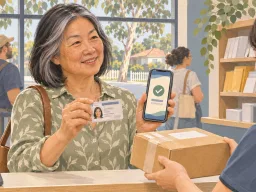
Check the collection notice and sender restrictions, then use the app, a collection card or a form. Your nominee takes their own ID.
Practical guides · Study procedures · In-depth article
Lost your University of Melbourne student card? Disable it and order a replacement
Contact the Library and Campus Security separately, then order in CaptureMe and prepare the ID you need to collect your card.
Based on: students.unimelb.edu.au; retrieved: 2026-11-18.
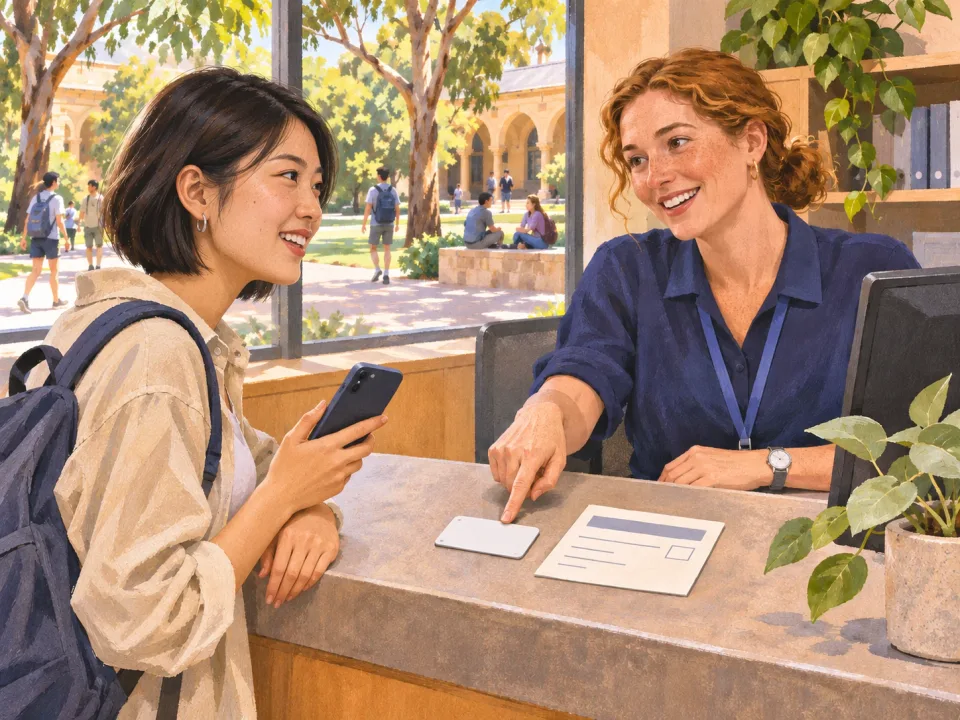
Report a missing University of Melbourne student card to the Library to stop borrowing, then call Campus Security to cancel access to buildings and labs. Do both as soon as you notice the card is missing, even if you’re waiting before ordering a replacement. [U1] [U2]
Disable borrowing and building access separately
Open the university’s replacement card page. Under Lost or stolen cards, use the Library link and ask it to stop borrowing access on the card.
Call Campus Security using the number on the same page and ask it to cancel building and lab access. Keep a note of when you reported each issue and what was confirmed.
Once deactivated, the old card cannot be reactivated if you find it. When you get your new card, check the access you use regularly and ask the university team responsible for those spaces about any issues. [U1]
Order in CaptureMe and check which fee applies
Situation | What to do |
|---|---|
Lost, or stolen without a police report | Open CaptureMe from the university page and select Lost or Stolen. Expect a fee and check the current amount during the order. |
Stolen with a police report | Follow the replacement instructions and take the police report to Stop 1 at Parkville or Southbank for an in-person check. The university can waive the fee once it verifies eligibility. |
Follow the CaptureMe prompts to verify your identity, upload a photo that meets the guidelines, and choose collection or post. If you are sent to a payment page, return to CaptureMe after paying to finish the order. Submit your identification through the university’s designated channel. [U1]
Watch for confirmation and prepare to collect
Follow the collection location and timing in the confirmation email. Bring your physical passport, Australian driver licence, or the university’s listed 100 points of ID. If you choose post, check the preferred address in my.unimelb. If no confirmation arrives within five business days, check your spam folder and use the Get help with your student card form on the replacement page. [U1]
Related articles

Identify the field that is wrong, have a copy of your current photo ID certified and submit the form through the current student channel.

Use the correct evidence application, assemble the identity chain and check Form 1195 and the original certificate details.

Use the official USI service after arriving where required. Match your identity and check for an existing number before creating one.
Comments
Share a related experience or ask about the article
No comments yet. Ask a question about the article.
Sign in to discussKeep the discussion about the content. Do not post private information or advertisements.