


Use an independent company contact before sharing identity or payment details. Know what to do if you already acted on the offer.
Urban life · In-depth article
Checking a suspicious parcel, payment or bank text
Go to the account or service through a trusted route. If you have already acted on the message, start with what you shared or allowed.
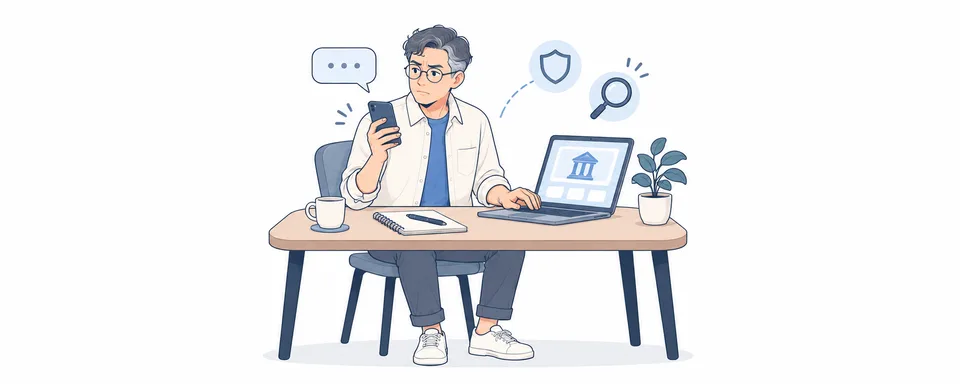
A message may use a familiar name and an urgent reason to click. Leave its link alone and open the service the way you normally do. Check tracking, a bill or a transaction in the account. Use the phone number shown on a trusted bill or official site if you need to call.[S1]
What you clicked, entered, installed or paid
If you only opened the page, close it and stop interacting with it. If you entered account sign-in details, change the affected password through the provider’s official service from a trusted device, and change it anywhere else you reused it. Call your bank straight away if you shared card details or a code, or approved a payment. If someone had remote access or had you install software, use another trusted device to get help.[S2]
The message, the timing and any transaction
Save the time, message and payment reference so the service can identify what happened. Do not share passwords or one-time codes with someone who contacts you. Use Scamwatch’s reporting guidance and the official contact for the affected account.[S1][S2]
Related articles
Check the addressee and order first. If a business sent you unsolicited goods, keep a record, give written notice and calculate the collection period.

Check the official register and type of authorisation. Review scope, fees, correspondence and document handover before signing.

Verify the registration and scope before signing. Check who lodges the return, what the fee covers and where any refund goes.
Comments
Share a related experience or ask about the article
No comments yet. Ask a question about the article.
Sign in to discussKeep the discussion about the content. Do not post private information or advertisements.