

Loading content…
Loading content…
Loading content…
Urban life · In-depth article
Identify the gear attached to each property and arrange your new connection before the old one ends.
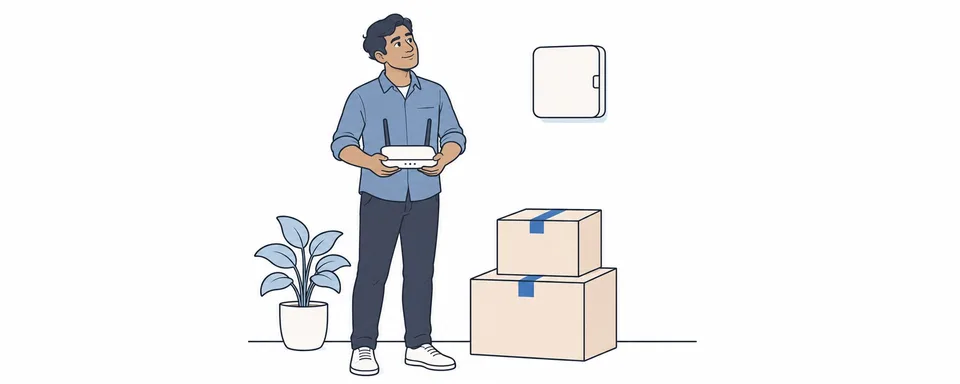
On moving day it is easy to unplug everything around the desk and put it in the same carton. Photograph the labels and cables first. A router you bought is one thing. An nbn connection box belongs with the property it was installed in.
Leave nbn-supplied gear, including its power supply and cables, at the current property. If you have a router supplied by your retail provider, establish whether you own it or need to return it. Ask whether it works with the connection at the new place. If the new property is missing its nbn box, report it to the provider.[S1][S2][S4]
Use the full street address and unit number. If the address checker finds only the building, ask the provider to investigate. Confirm whether the property needs an appointment, who can give the installer access, and the earliest date the service can start. Then choose when to end the old service and get any overlap costs in writing.[S1][S3]
Open a few sites and make a test call before your first workday at home. If the Wi-Fi name appears but pages will not load, give the provider the order number and the time the issue started. On the first bill, check which address and service dates you were charged for.
Comments
Share a related experience or ask about the article
No comments yet. Ask a question about the article.
Sign in to discussKeep the discussion about the content. Do not post private information or advertisements.